Visualize Micipsa



Prerequisites#
Important
In deploy mode, the robot and host must use the same ROS_DOMAIN_ID and be reachable through the configured CycloneDDS file.
If ROS 2 topics are not visible or the robot cannot be visualized, refer to the Visualization Troubleshooting guide.

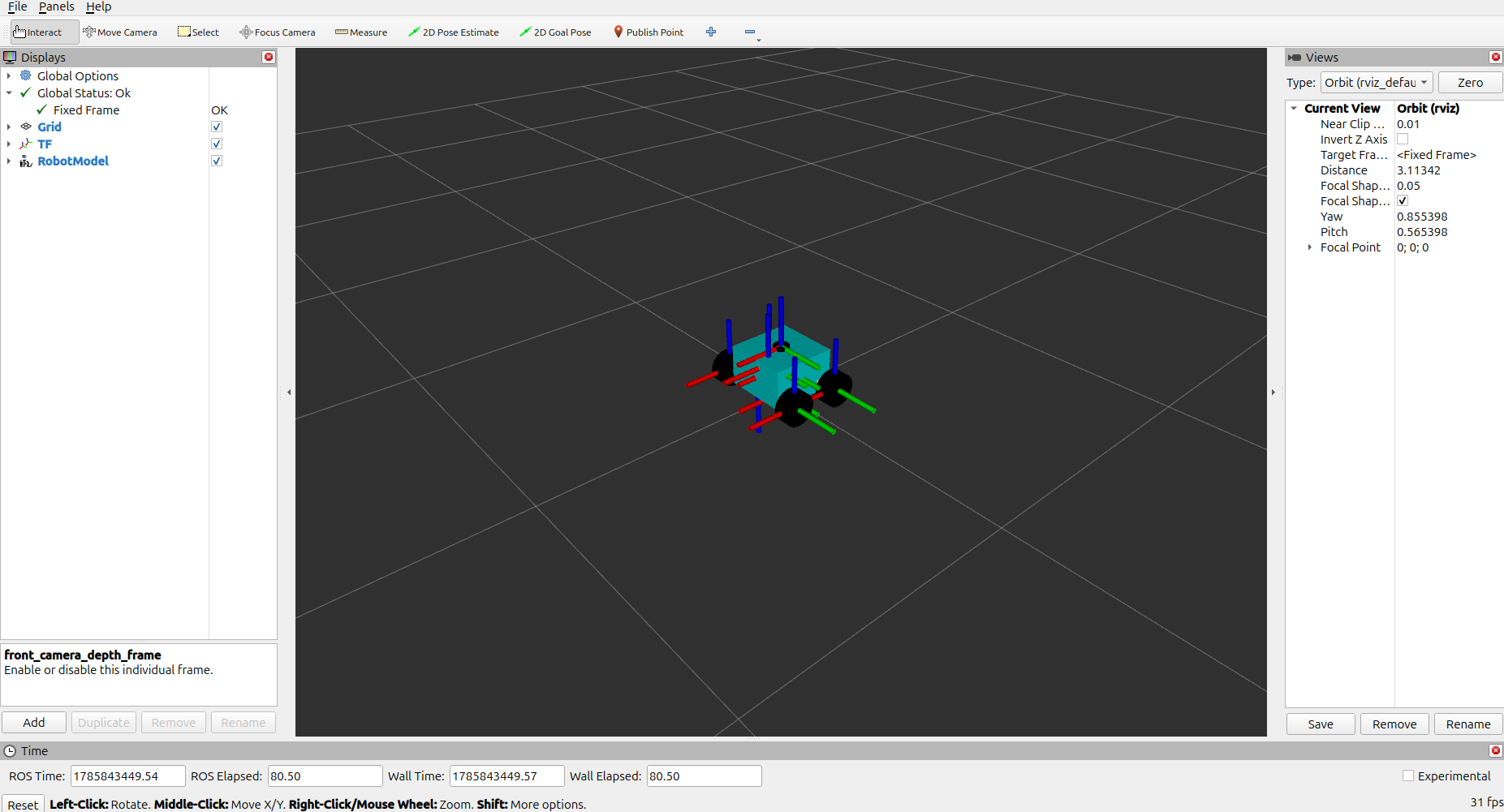
RViz2#
Launch Rviz2
To open a specific saved configuration rather than the default:
Foxglove Studio#
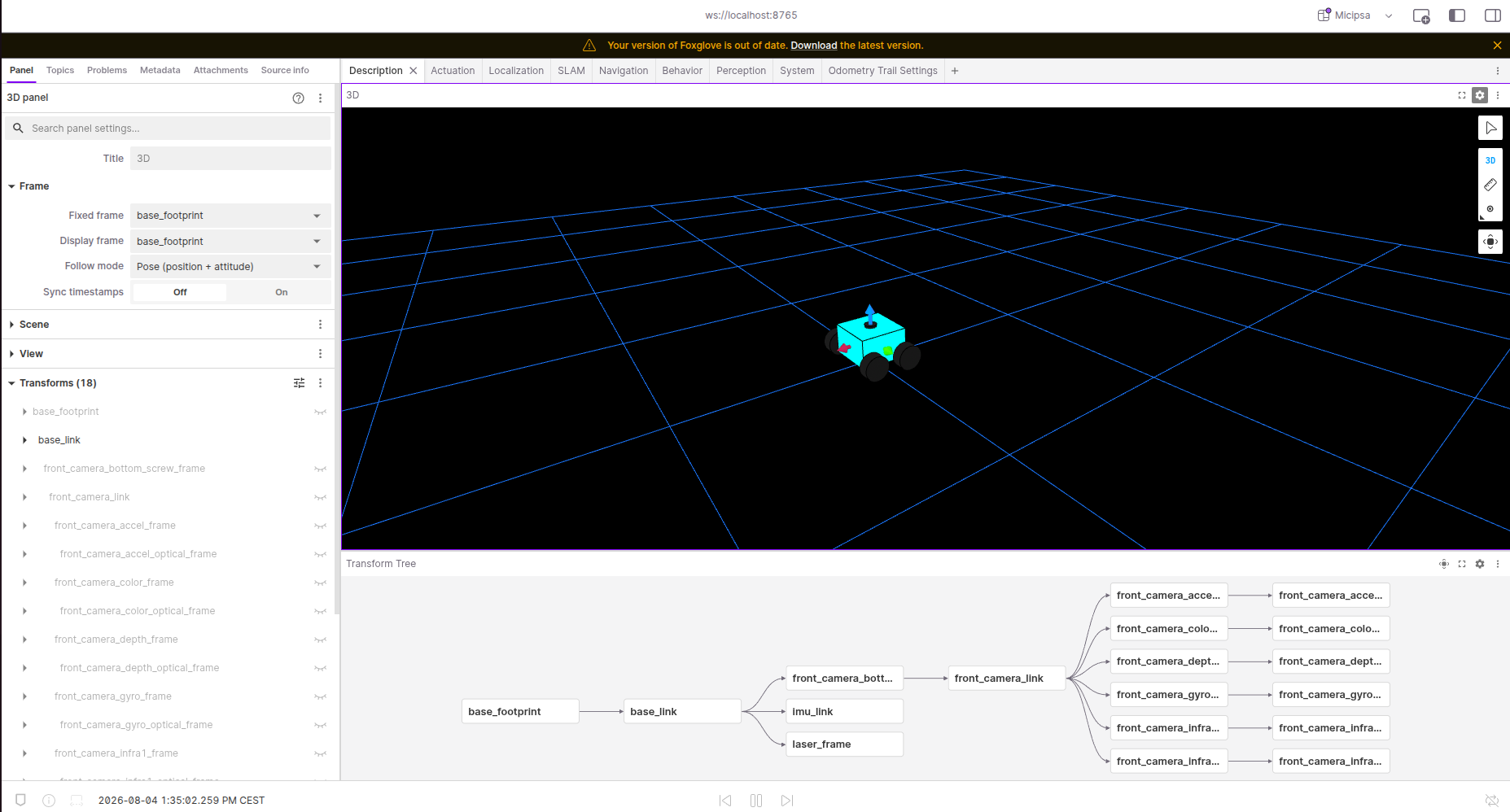
Foxglove Bridge#
Launch Foxglove Bridge:
Foxglove#
open Foxglove Studio: