Understand Micipsa



Understand MICIPSA#
This guide serves as the recommended entry point for users who are new to MICIPSA, providing a clear starting point for exploring and understanding each part of the project.

Rather than jumping directly into individual packages or launch files, this roadmap introduces the project layer by layer, helping you develop a clear mental model of how the robot is designed before diving into implementation details.
Following the documentation in the order below will make it significantly easier to understand the architecture, navigate the codebase, launch and configure the robot and confidently extend or modify the system.
Roadmap#
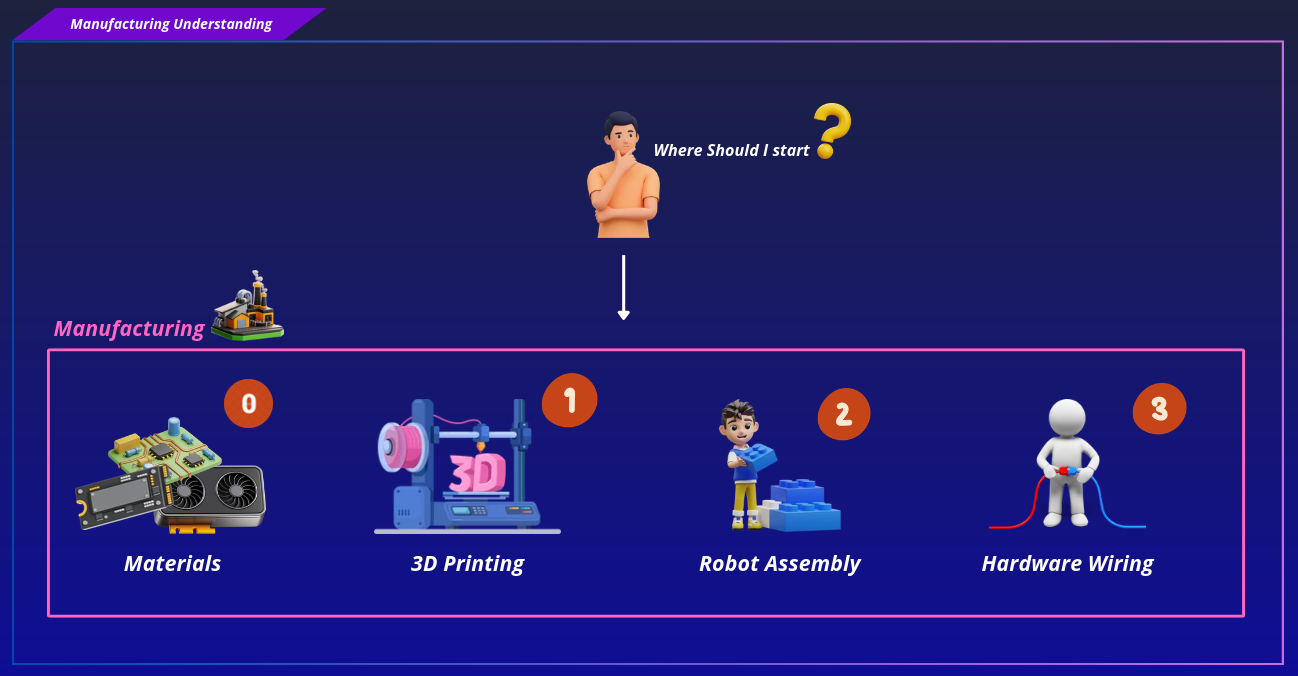
Micipsa Robot Manufacturing#
| Topic | Description | README |
|---|---|---|
| Materials | Provides a list of the hardware components required to build Micipsa, organized by subsystem. | Materials |
| 3D Printing | Provides printing guidelines, recommended materials, slicer settings | 3D Printing |
| Assembly | Describes the complete mechanical assembly process, including the installation order of all components, hardware, and printed parts. | Assembly |
| Hardware Wiring | Documents the robot's electrical wiring, including power distribution, sensor and actuator connections and cable routing. | Hardware Wiring |
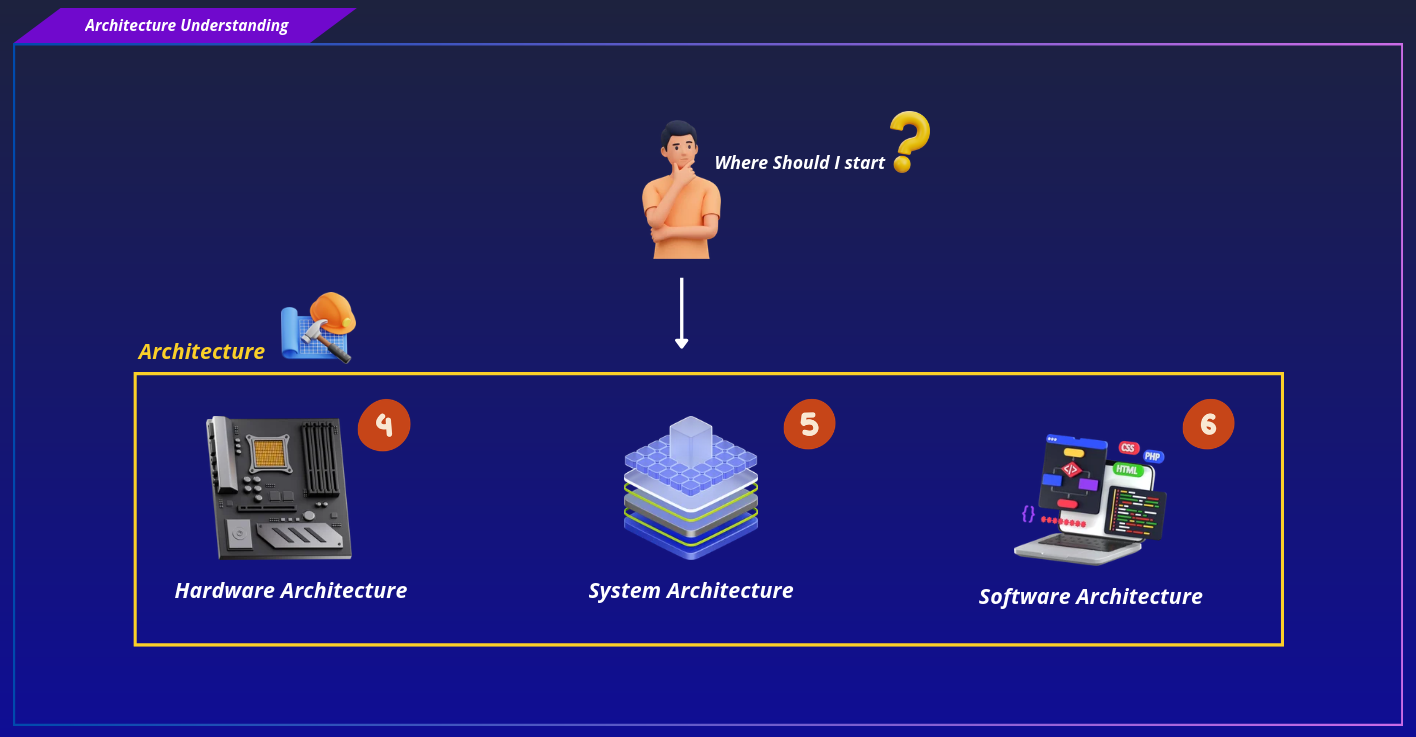
Architecture#
| Topic | Description | README |
|---|---|---|
| Hardware Architecture | Provides an overview of the robot's hardware architecture, including the power system, communication interfaces, hardware connections, and the complete list of components used throughout the platform. | Hardware Architecture |
| System Architecture | Explains how the robot operates as a complete system, covering the overall architecture, boot sequence, high- and low-level processing, network topology, and the interaction between the robot and the base station. | System Architecture |
| Software Architecture | Explains the layered architecture of the MICIPSA software stack, detailing the responsibilities, data flow, and interactions between each software layer in both deployment and simulation environments. | Software Architecture |
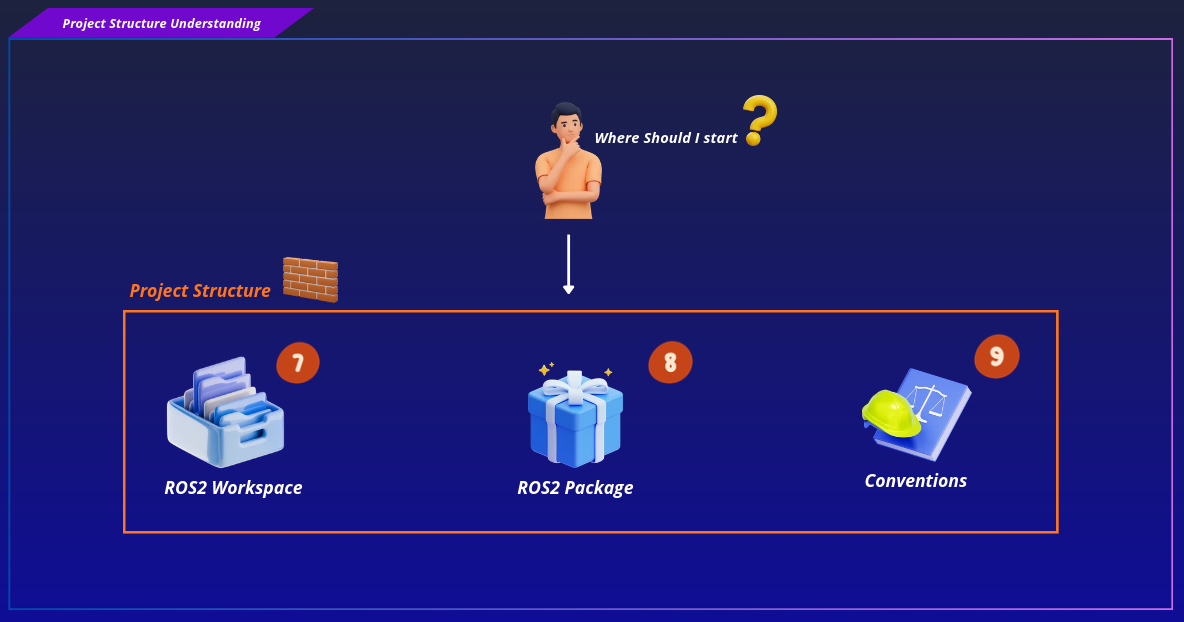
Project Structure#
| Topic | Description | README |
|---|---|---|
| ROS2 Workspace | Describes the organization of the MICIPSA ROS 2 workspace, explaining the role of each top-level directory and the rationale behind the project's separation of concerns. | ROS2 Workspace |
| ROS2 Package | Documents the canonical structure and engineering conventions used throughout the MICIPSA ROS 2 packages, ensuring consistency in package organization, launch files, configuration handling, and dependency management across the workspace. | ROS2 Package |
| Conventions | Documents the naming conventions and organizational standards used across the MICIPSA project to ensure consistency throughout the repository, infrastructure, and ROS 2 workspace. | Conventions |
ROS2 Packages#
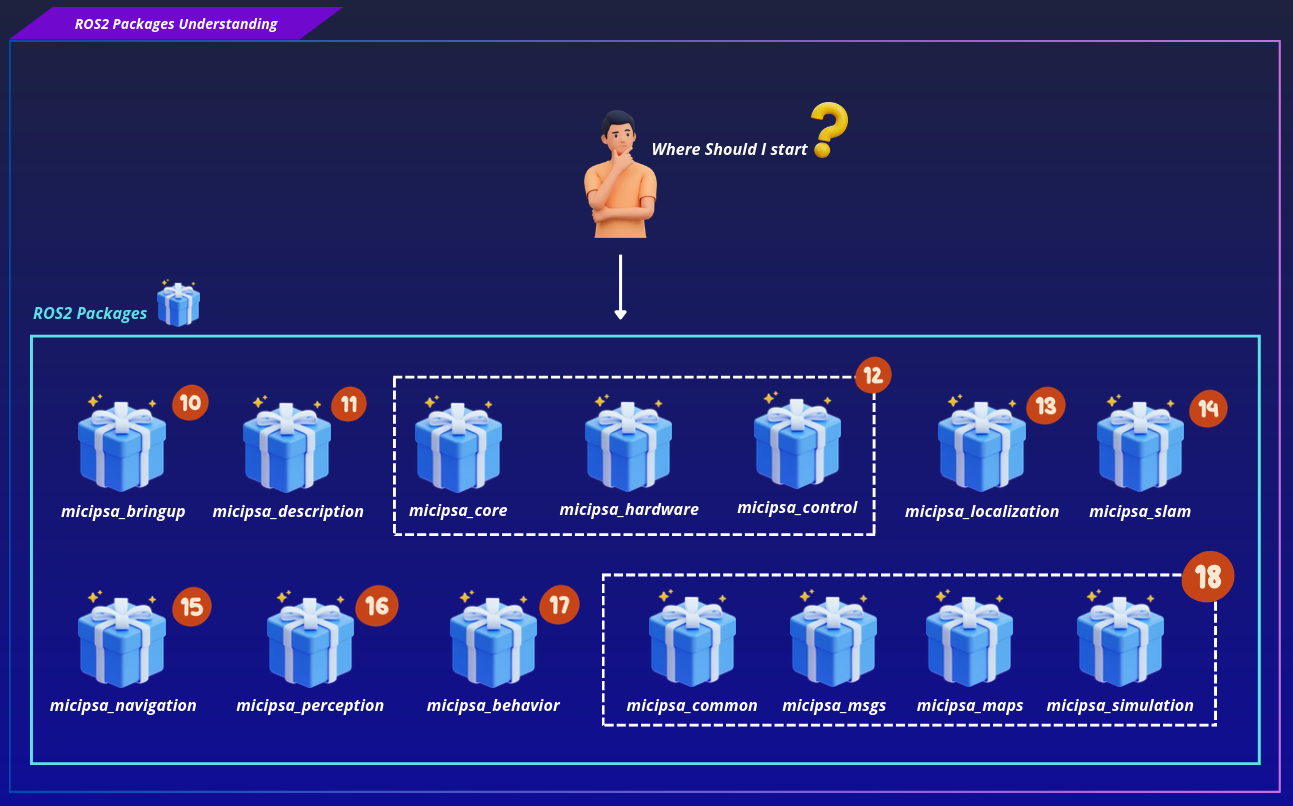
| Package | Description | README |
|---|---|---|
micipsa_bringup |
Orchestrates the startup of the entire robot stack, managing launch sequencing, configuration resolution, and the integration of all robot subsystems. | Bringup |
micipsa_description |
Defines the robot's physical model, including its kinematics, sensors, inertial properties, TF tree, and ros2_control hardware plugin configuration for simulation and deployment. | Description |
micipsa_core |
Provides the ROS-agnostic hardware abstraction layer responsible for serial communication, sensor processing and actuator command handling | Core |
micipsa_hardware |
Serves as the ROS 2 interface to the robot hardware, implementing a ros2_control hardware plugin that connects the controller manager to the micipsa_core hardware abstraction layer. | Hardware |
micipsa_control |
Configures and launches the Micipsa actuation stack with ros2_control controllers and Twist multiplexing | Control |
micipsa_localization |
Configures and launches the robot localization stack, including EKF-based state estimation and IMU orientation filtering | Localization |
micipsa_slam |
ROS 2 SLAM Toolbox configuration and launch integration for online 2D mapping, providing live occupancy grid generation and map saving capabilities | SLAM |
micipsa_navigation |
Nav2 stack integration for autonomous navigation with planners, controllers, costmaps, collision monitoring, and docking support | Navigation |
micipsa_perception |
ROS 2 perception pipelines for AprilTag detection, pose extraction, and pointcloud processing | Perception |
micipsa_behavior |
Behavior orchestration package providing high-level autonomous robot behaviors, task execution logic, and integration with navigation and perception capabilities | Behavior |
micipsa_common |
Common and shared files across Micipsa packages | Common |
micipsa_msgs |
Micipsa ROS2 custom msgs, services and actions | Msgs |
micipsa_simulation |
Gazebo simulation environment, world files, Gazebo topic bridge configuration | Simulation |
Containerization#
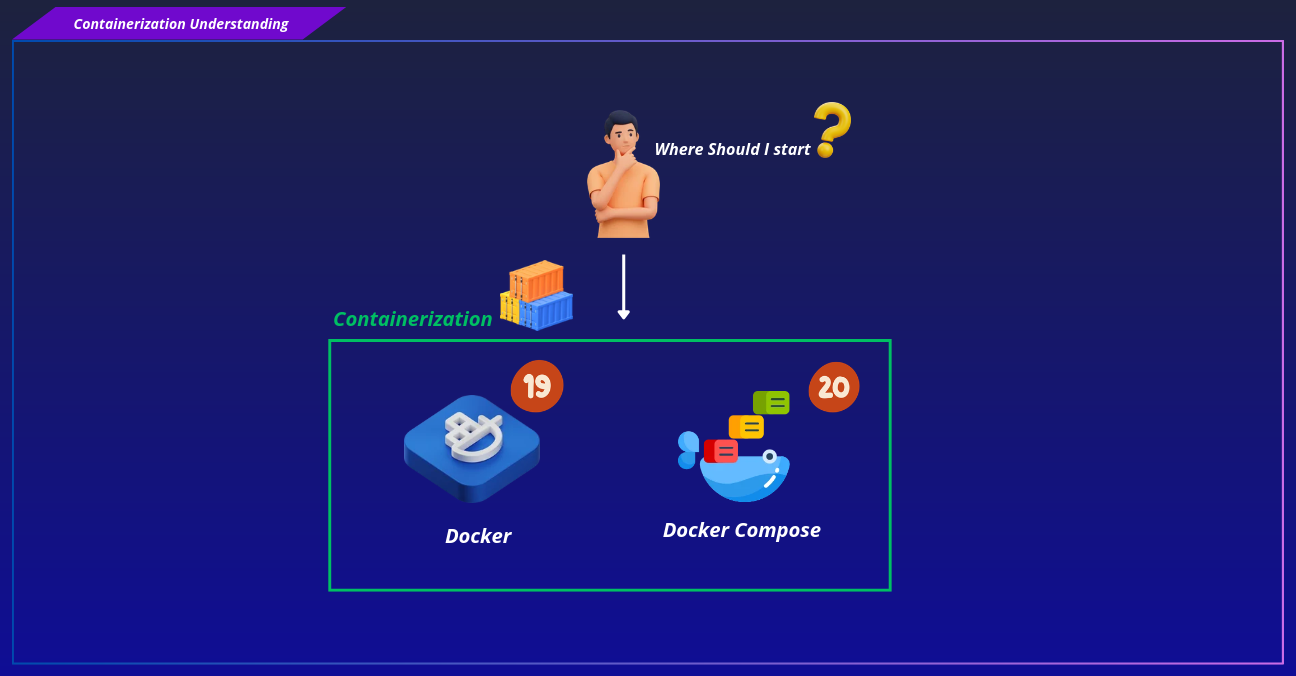
| Topic | Description | README |
|---|---|---|
| Docker Architecture | MICIPSA Docker container architecture with layered isolation, runtime dependencies, and deployment/simulation organization | Docker Architecture |
| Docker File | Docker image build system defining MICIPSA subsystem containers, multi-stage builds, shared foundation image, entrypoints | Docker File |
| Docker Compose | MICIPSA Docker stack orchestration with Compose overlays, service dependencies, configuration management, and deployment automation | Docker Compose |
| Compose Launcher | Script that starts or stops the MICIPSA Docker Compose environment while configuring the required bringup, maps, DDS, and Compose file paths. | Compose Launcher |
System Configuration#
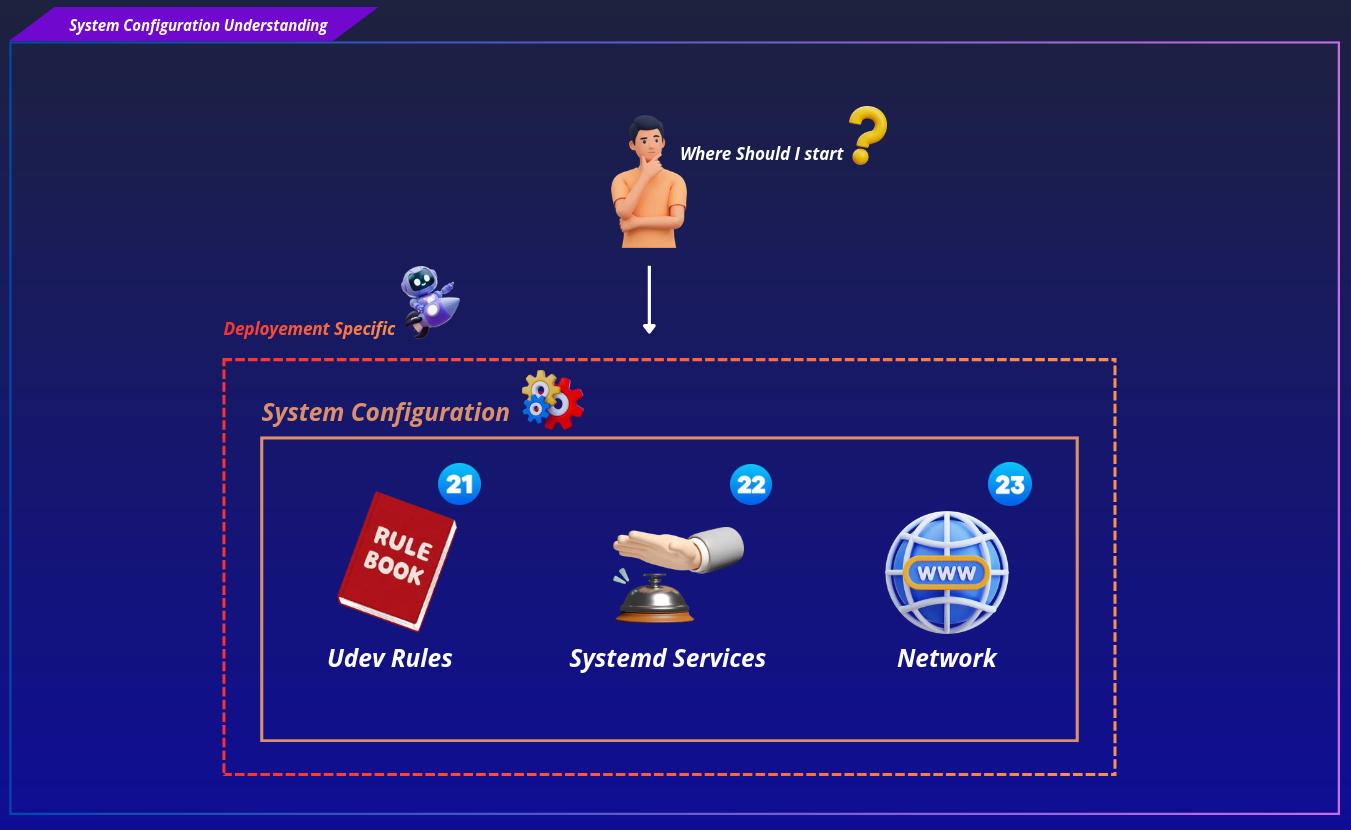
| Topic | Description | README |
|---|---|---|
| Udev Rules | Stable hardware device identification layer providing persistent device symlinks, USB device mapping, and installation workflows for MICIPSA sensors and peripherals | Udev Rules |
| Systemd Architecture | MICIPSA boot orchestration layer defining systemd services, hardware validation flow, dependency management, and automatic container stack startup | Systemd Architecture |
| Systemd Services | MICIPSA systemd unit definitions for hardware validation, boot-time dependency management, Docker stack lifecycle control, and service supervision | Systemd Services |
Provisioning#
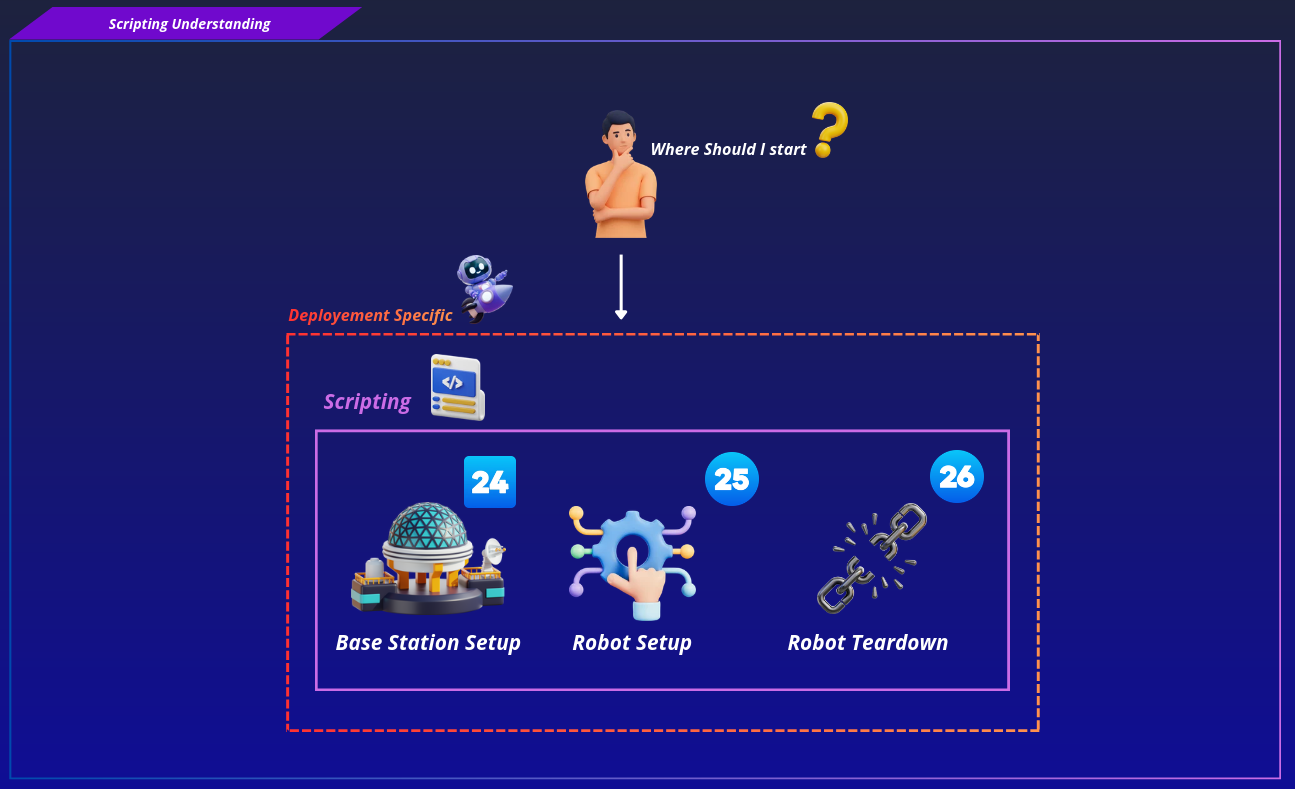
| Topic | Description | README |
|---|---|---|
| Base Station Workflow | Provides a step-by-step breakdown of the Base Station provisioning workflow | Base Station Workflow |
| Base Station Setup | Provides instructions for running the Base Station setup script, including prerequisites, installation, and available options. | Base Station Setup |
| Base Station Configuration | Explains How to edit the configuration file for the Base Station setup script | Base Station Setup Configuration |
| Robot Setup Workflow | Provides a step-by-step breakdown of the MICIPSA provisioning workflow, covering configuration loading, repository setup, Docker installation and image building, hardware rule installation, launcher deployment, configuration deployment, systemd setup, network tuning, and utility installation. | Robot Setup Workflow |
| Robot Setup | Provides instructions for running the MICIPSA robot setup script, including prerequisites, installation, and available options. | Robot Setup |
| Robot Setup Configuration | Explains How to edit the configuration file for the robot setup script | Robot Setup Configuration |
| Robot Teardown | Tearing down and removing robot setup configuration files | Robot Teardown |